For ML & computer-vision builders

Build labeled image datasets with your iPhone.

TagSet collapses the tedious capture → sort → upload chore into one fast loop on your phone. Photos land in your own cloud storage, sorted into folder-per-label datasets that ML tooling reads out of the box.

Download on the App Store See how it works ↓

On your computer? Scan with your iPhone camera to open TagSet in the App Store.

Free · No account · No tracking

Capture Label Upload

For waste sorting, plant disease, product defects, retail shelves, robotics.
iPhone only for now · Android coming soon

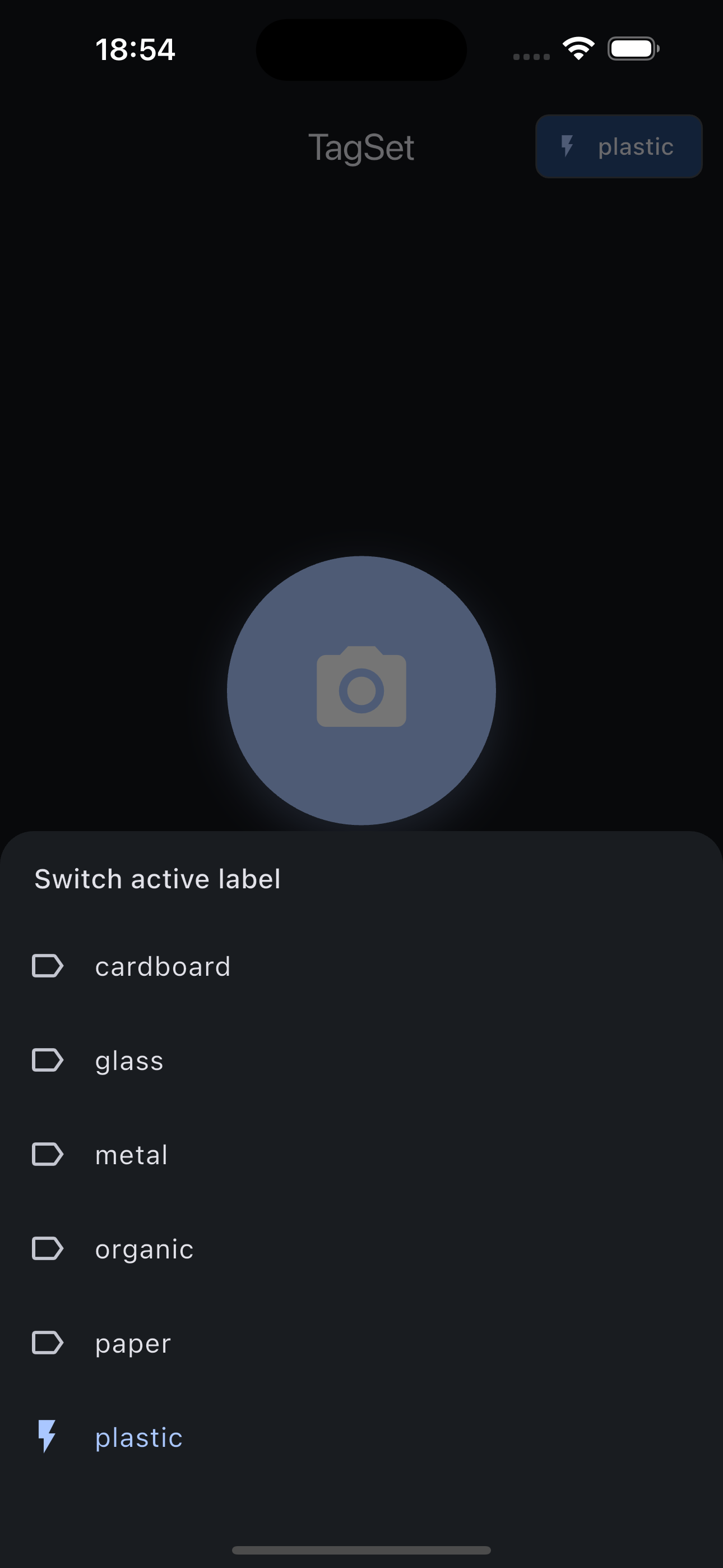
TagSet label picker, switching the active label while capturing
Speed mode

One tap. Labeled. Uploaded. Next.

Pick a label once and keep shooting. Every photo is filed under that label and uploaded in the background while you line up the next one.

Lands in your bucket, ready to train.

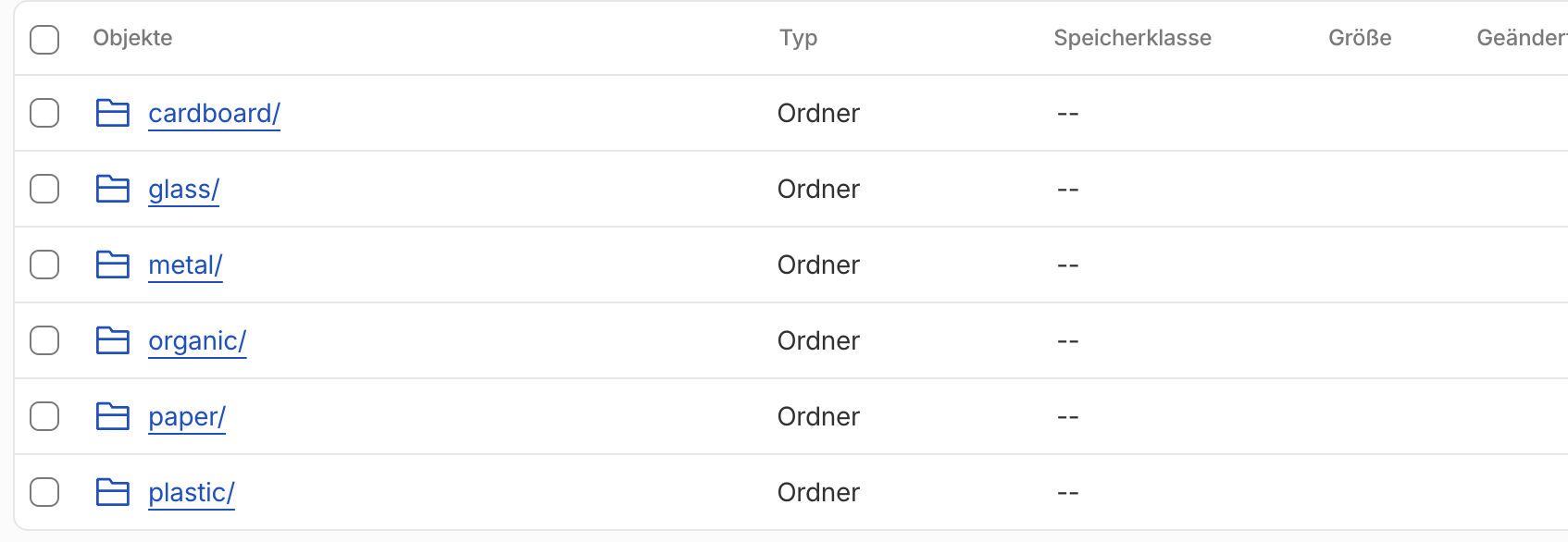
Every label becomes a folder. No re-sorting, no rename scripts, no glue code. The layout TagSet writes is exactly the layout torchvision, keras, and friends expect.

from torchvision.datasets import ImageFolder

ds = ImageFolder("dataset/")
ds.classes
# ['cardboard', 'glass', 'metal',
#  'organic', 'paper', 'plastic']
Cloudflare R2 bucket showing one folder per label: cardboard, glass, metal, organic, paper, plastic
Your bucket on Cloudflare R2, with one clean folder per label.

Up and running in three steps

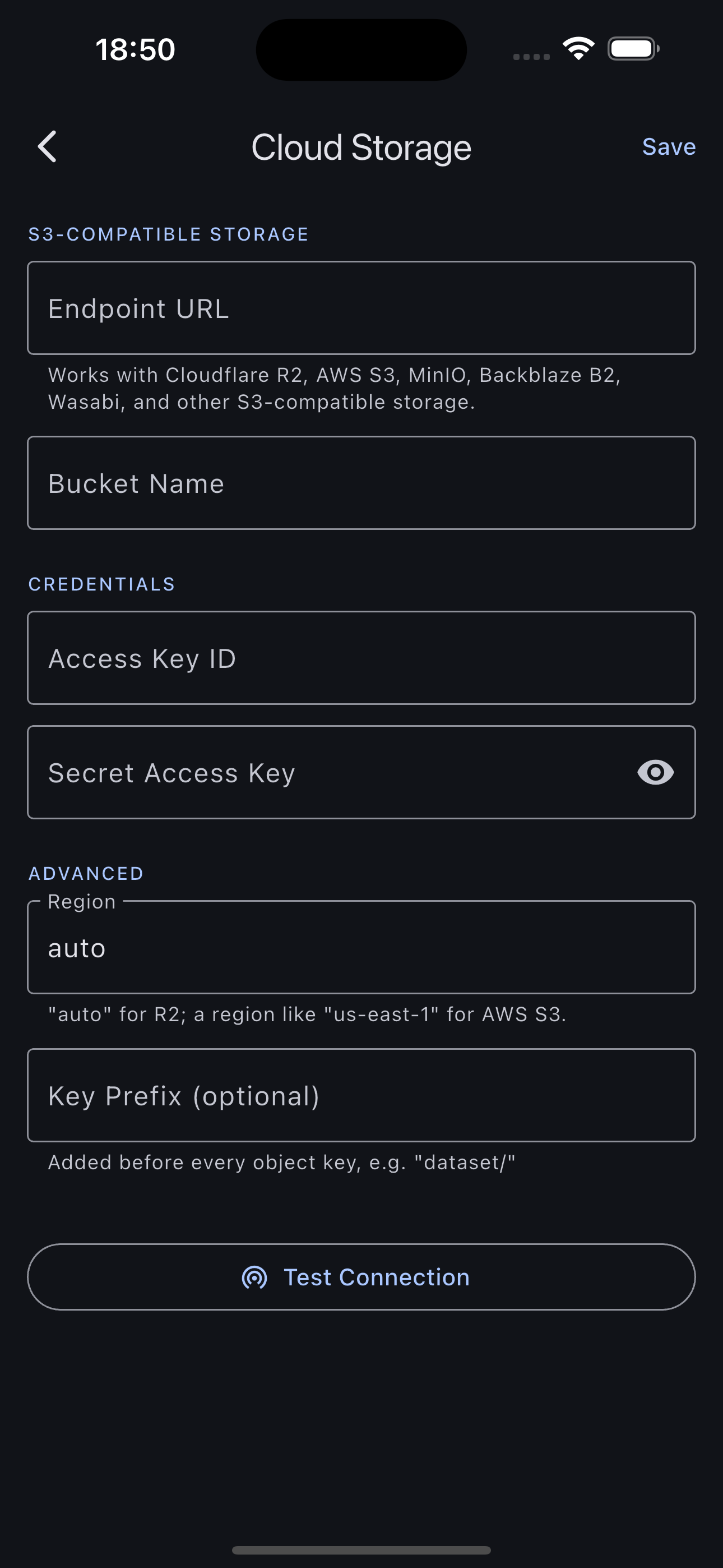
TagSet cloud storage settings showing endpoint, bucket, keys, and region
1

Connect your bucket

Paste an endpoint, bucket, and keys. Works with Cloudflare R2, Amazon S3, MinIO, Backblaze B2, Wasabi, or anything else that speaks S3. Test the connection and you're set. No storage yet? Set up Cloudflare R2 for free or use Amazon S3.
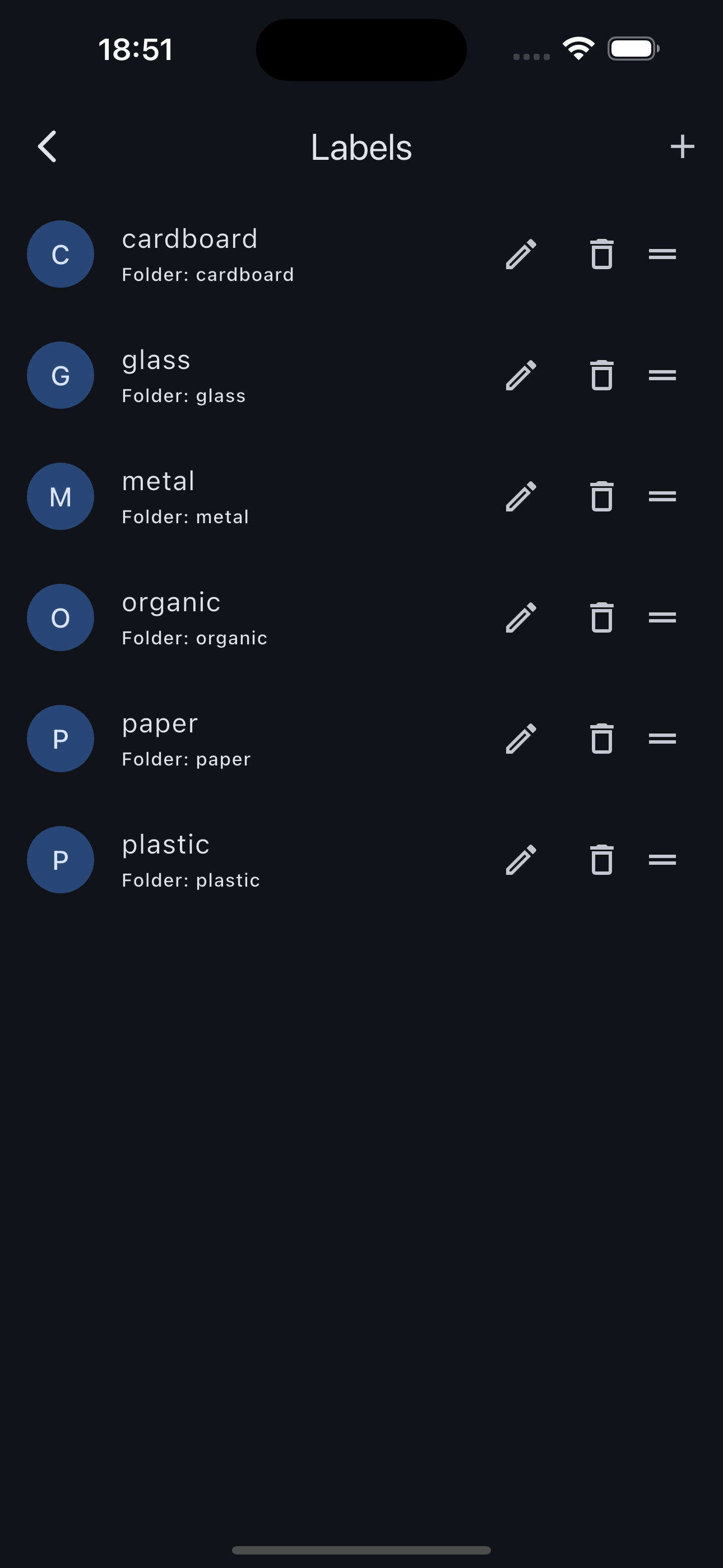
TagSet labels screen where each label maps to a folder
2

Add your labels

Define the classes you're collecting. Each label maps to a folder name in your bucket, and you can rename or reorder them anytime.

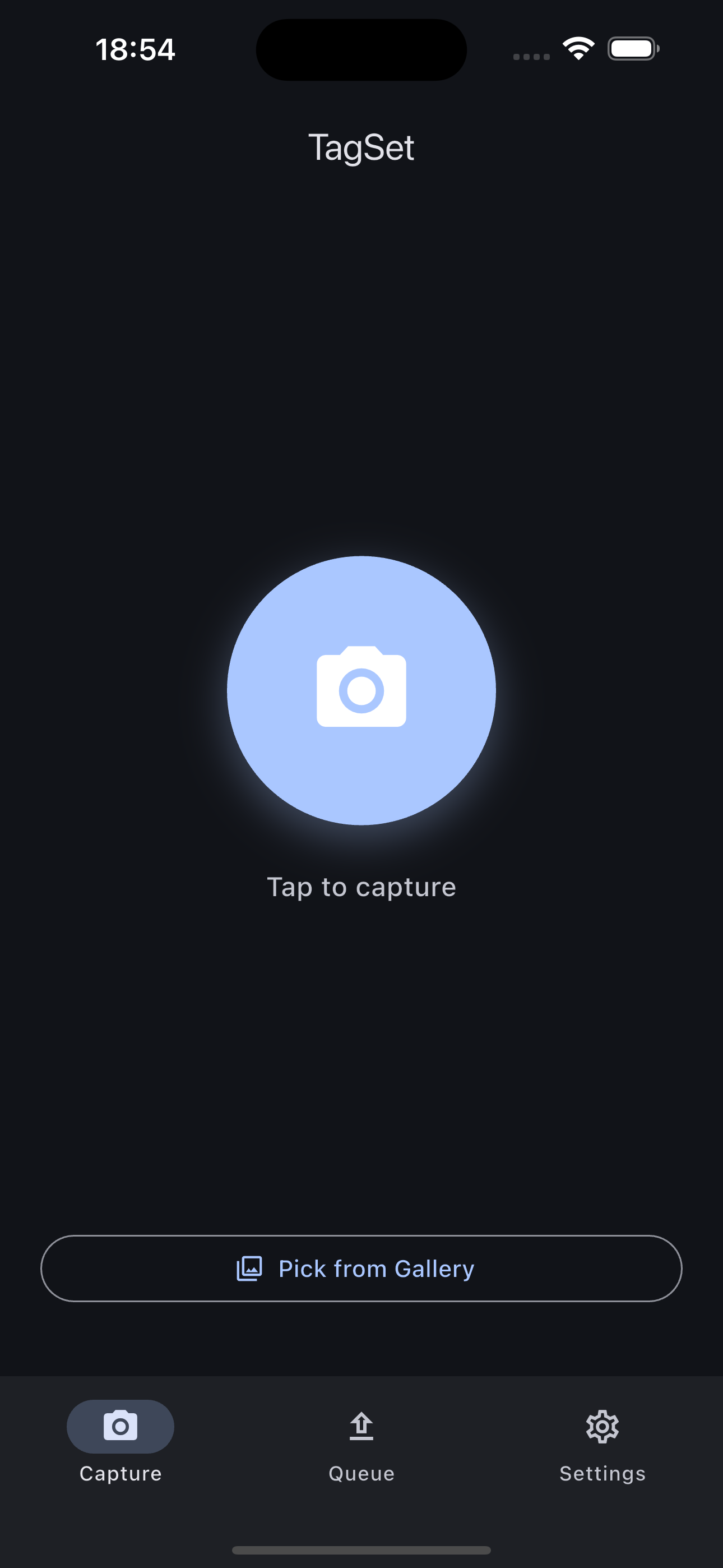
TagSet capture screen
3

Shoot

Point, tap, pick a label, done. The capture uploads and you're ready for the next one. Recycling bins, diseased leaves, faulty parts, store shelves: collect it where it happens.

Download on the App Store

A guided tour sets up your first label and storage connection when you open the app.

Your data, your storage. We don't have servers.

🔑 Credentials stay on device

Your storage keys live in the iOS Keychain / Android Keystore. They are never sent to us, because there is no “us” to send them to.

🛰️ Uploads go straight to you

Images travel directly from the app to your bucket. Nothing passes through a TagSet backend, because we run none.

🔓 No lock-in

It's just files in a bucket you already own. Cancel the app tomorrow and your dataset is still sitting there, in plain folders.

🙈 We collect nothing

No accounts, no analytics SDKs, no tracking. Read the privacy policy. It's short, because there's almost nothing to say.

Before you download

Is TagSet really free?

Yes. No price, no in-app purchases, no subscription, and no account to create.

Do I need cloud storage to get started?

No. You can capture and label right away and upload later, once a bucket is connected. When you get there, Cloudflare R2 and Backblaze B2 both have free tiers that easily hold a first dataset.

Is setup complicated?

On first launch a short guided tour creates your first label and walks you through the storage connection. Stuck anyway? The support page covers the details.

Is there an Android version?

Not yet. TagSet is iPhone only for now, and Android is coming soon.

Start building your dataset.

Free on the App Store. Your first labeled photo is a minute away.

Free · No account · No tracking

On your computer? Scan with your iPhone camera to open TagSet in the App Store.