1
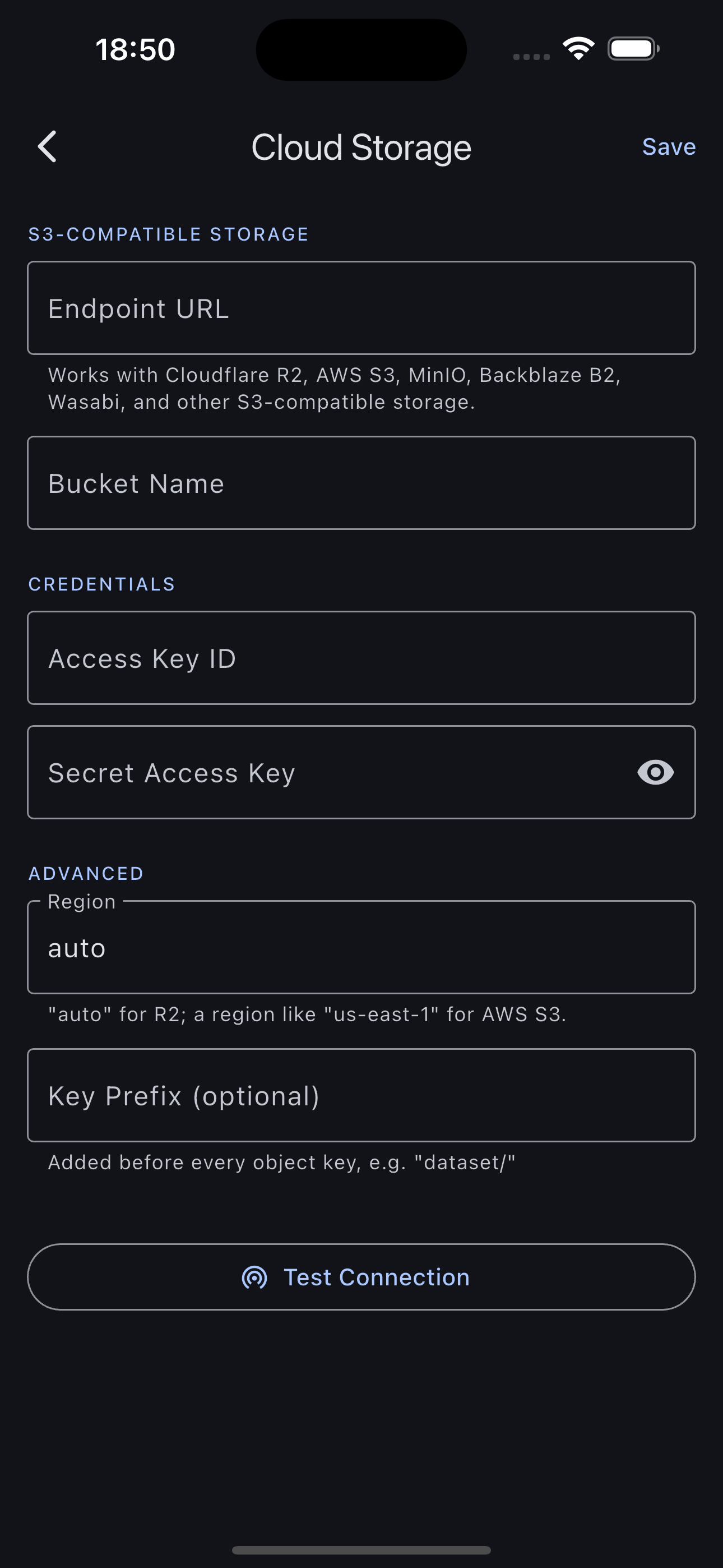
Connect your bucket
Paste an endpoint, bucket, and keys. Works with Cloudflare R2, Amazon S3, MinIO, Backblaze B2, Wasabi, or anything else that speaks S3. Test the connection and you're set.
TagSet collapses the tedious capture → sort → upload chore into one fast loop on your phone. Photos land in your own cloud storage, sorted into folder-per-label datasets that ML tooling reads out of the box.
iOS in App Store review · Android coming soon · Free
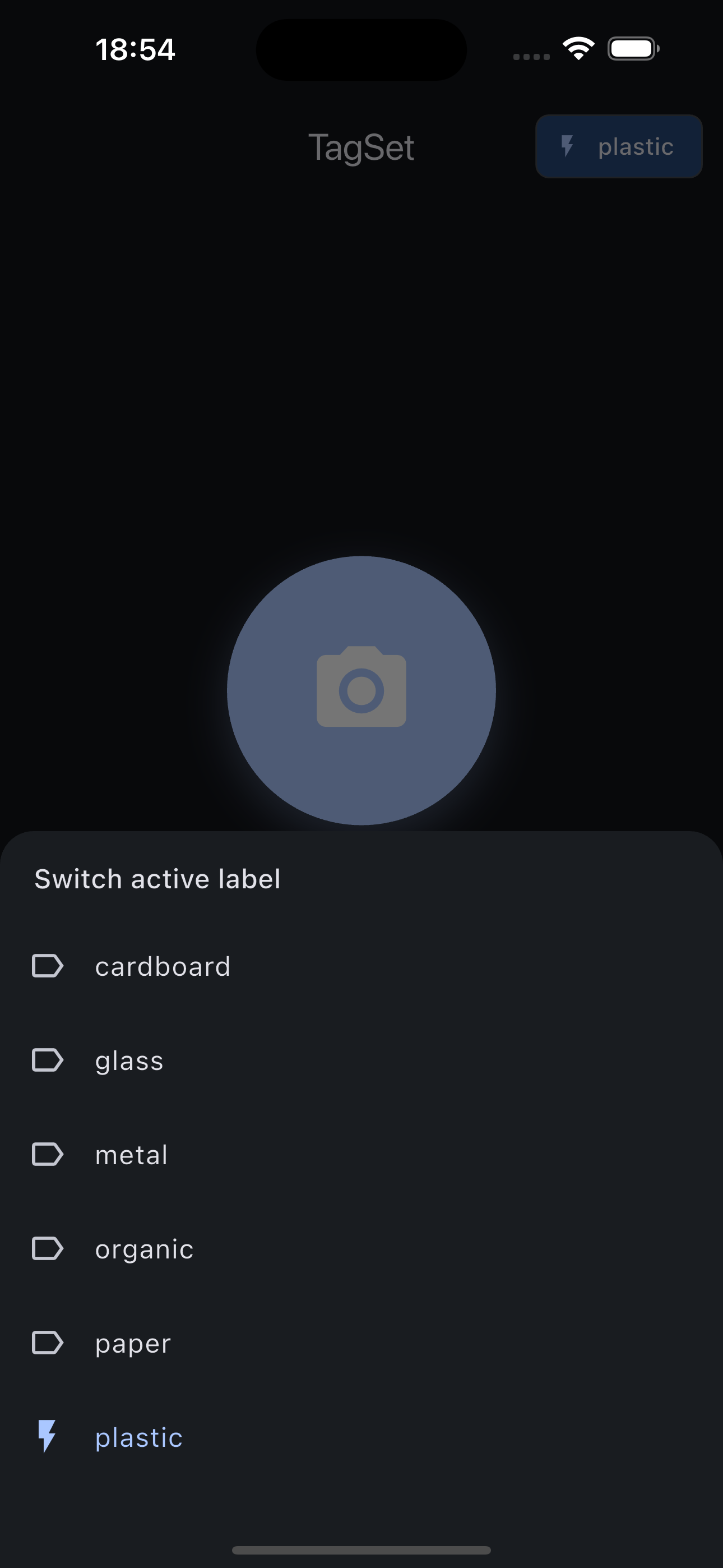
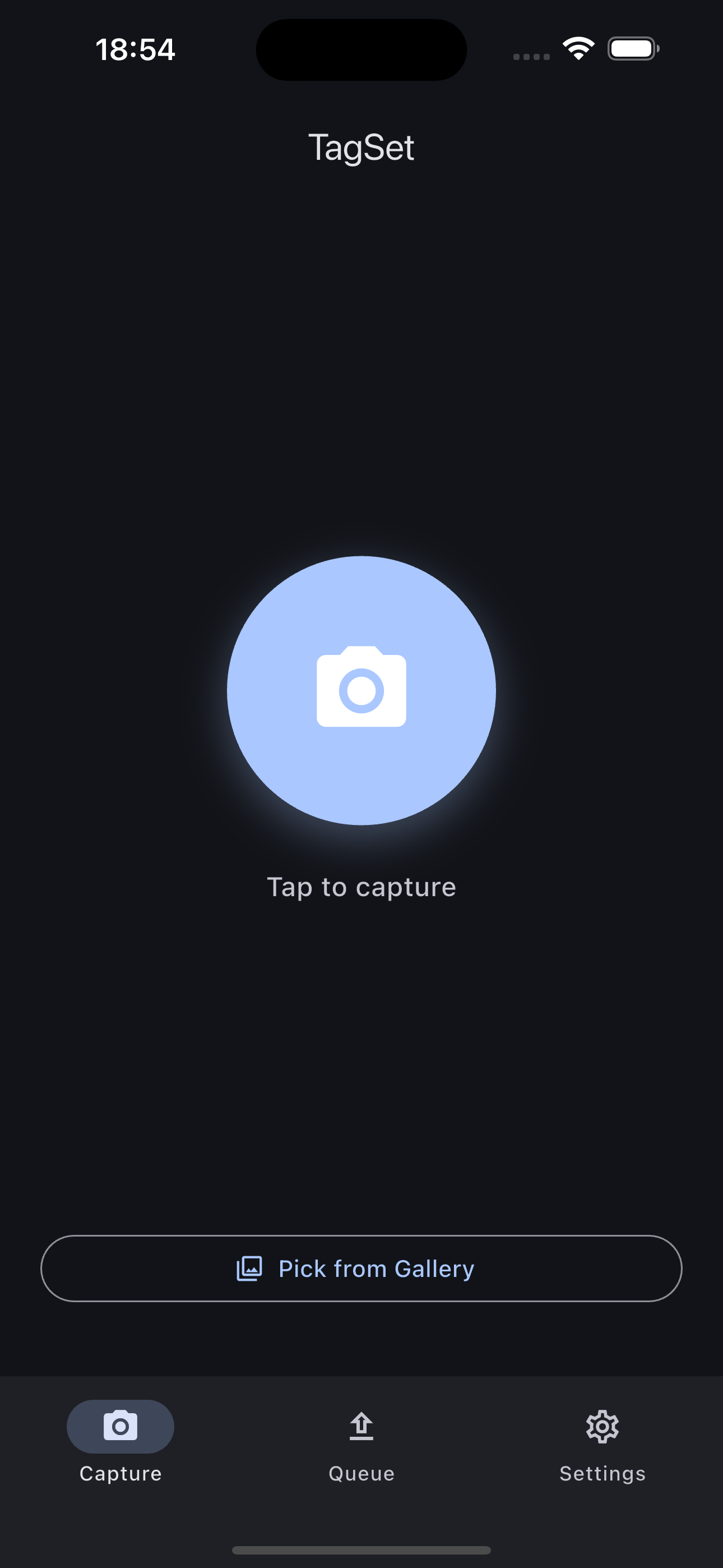
Pick an active label and every shot is captured, tagged, queued, and pushed to your bucket. You stay in a rhythm and collect hundreds of samples without ever leaving the camera.
Every label becomes a folder. No re-sorting, no rename scripts, no glue code.
The layout TagSet writes is exactly the layout
torchvision, keras, and friends expect.
from torchvision.datasets import ImageFolder

ds = ImageFolder("dataset/")
ds.classes
# ['cardboard', 'glass', 'metal',
#  'organic', 'paper', 'plastic']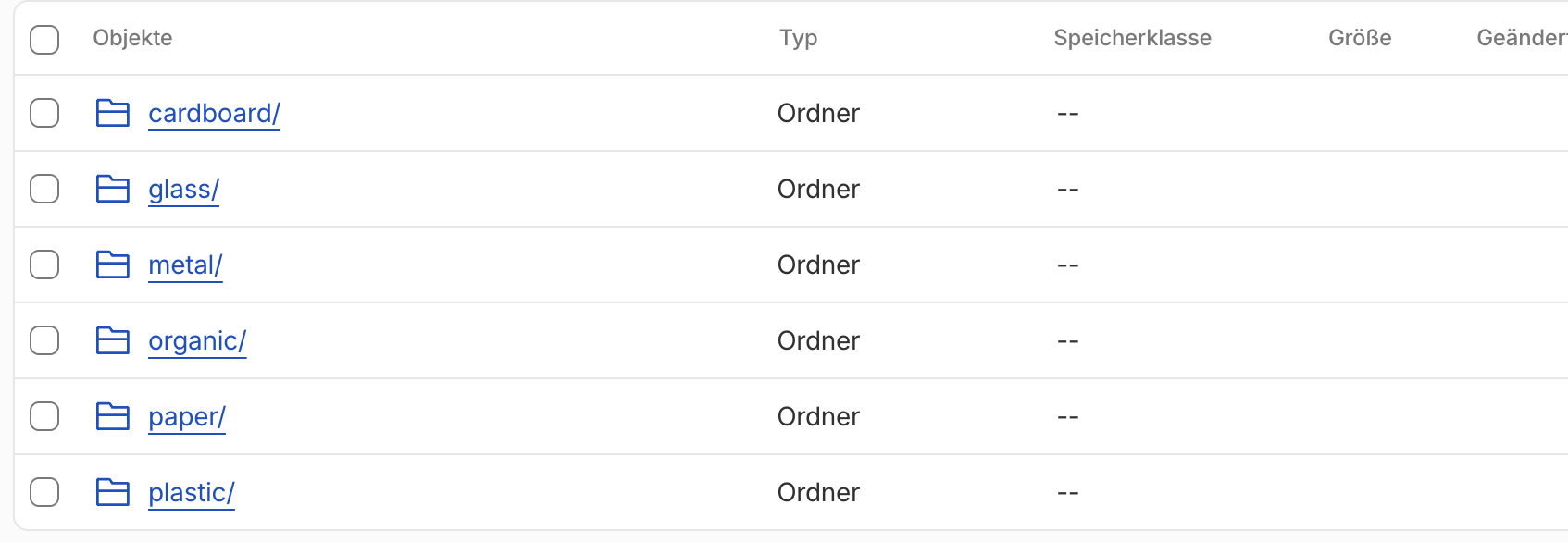
Paste an endpoint, bucket, and keys. Works with Cloudflare R2, Amazon S3, MinIO, Backblaze B2, Wasabi, or anything else that speaks S3. Test the connection and you're set.
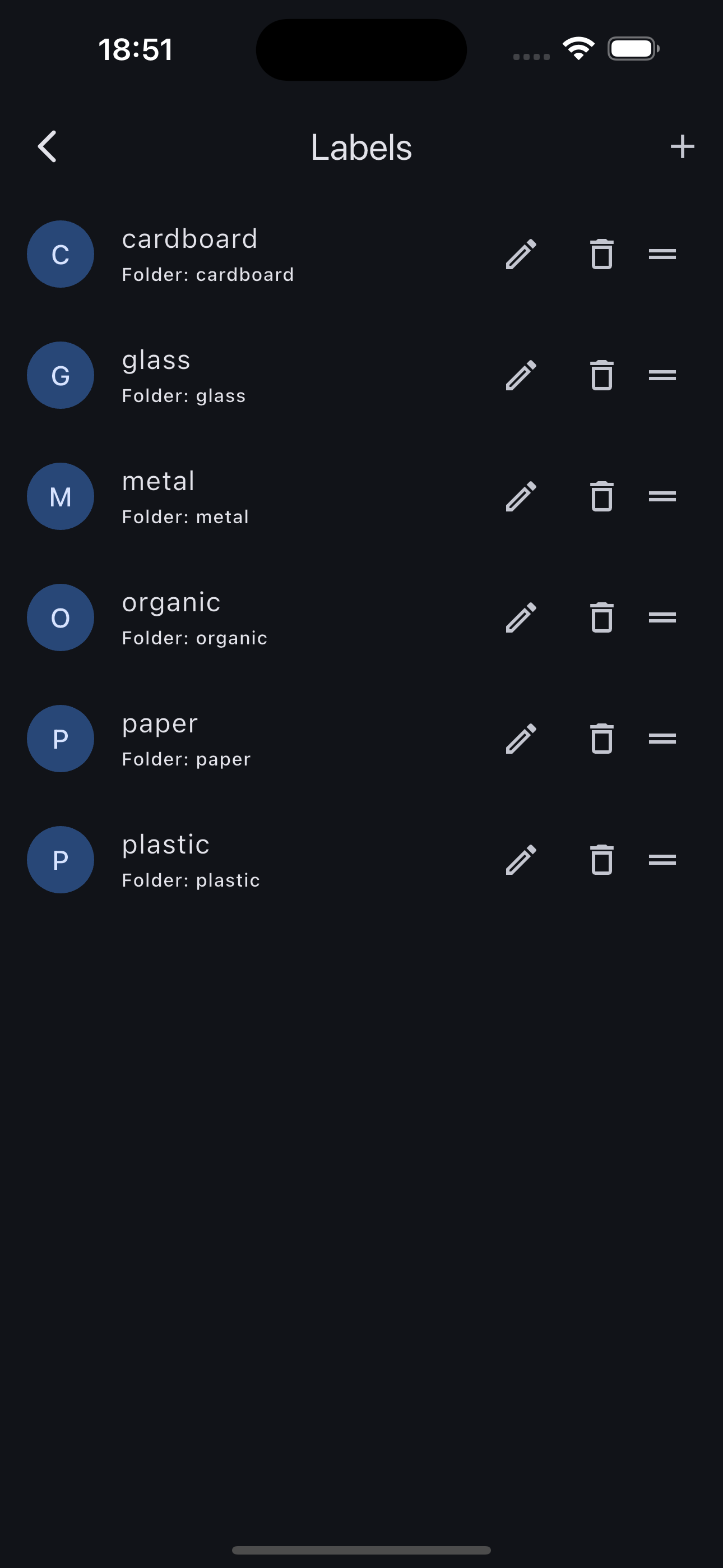
Define the classes you're collecting. Each label maps to a folder name in your bucket, and you can rename or reorder them anytime.
Point, tap, pick a label, done. The capture uploads and you're ready for the next one. Go collect your dataset in the real world.
Your storage keys live in the iOS Keychain / Android Keystore. They are never sent to us, because there is no “us” to send them to.
Images travel directly from the app to your bucket. Nothing passes through a TagSet backend, because we run none.
It's just files in a bucket you already own. Cancel the app tomorrow and your dataset is still sitting there, in plain folders.
No accounts, no analytics SDKs, no tracking. Read the privacy policy. It's short, because there's almost nothing to say.
TagSet is finishing App Store review. Email us and we'll tell you the day it's live.